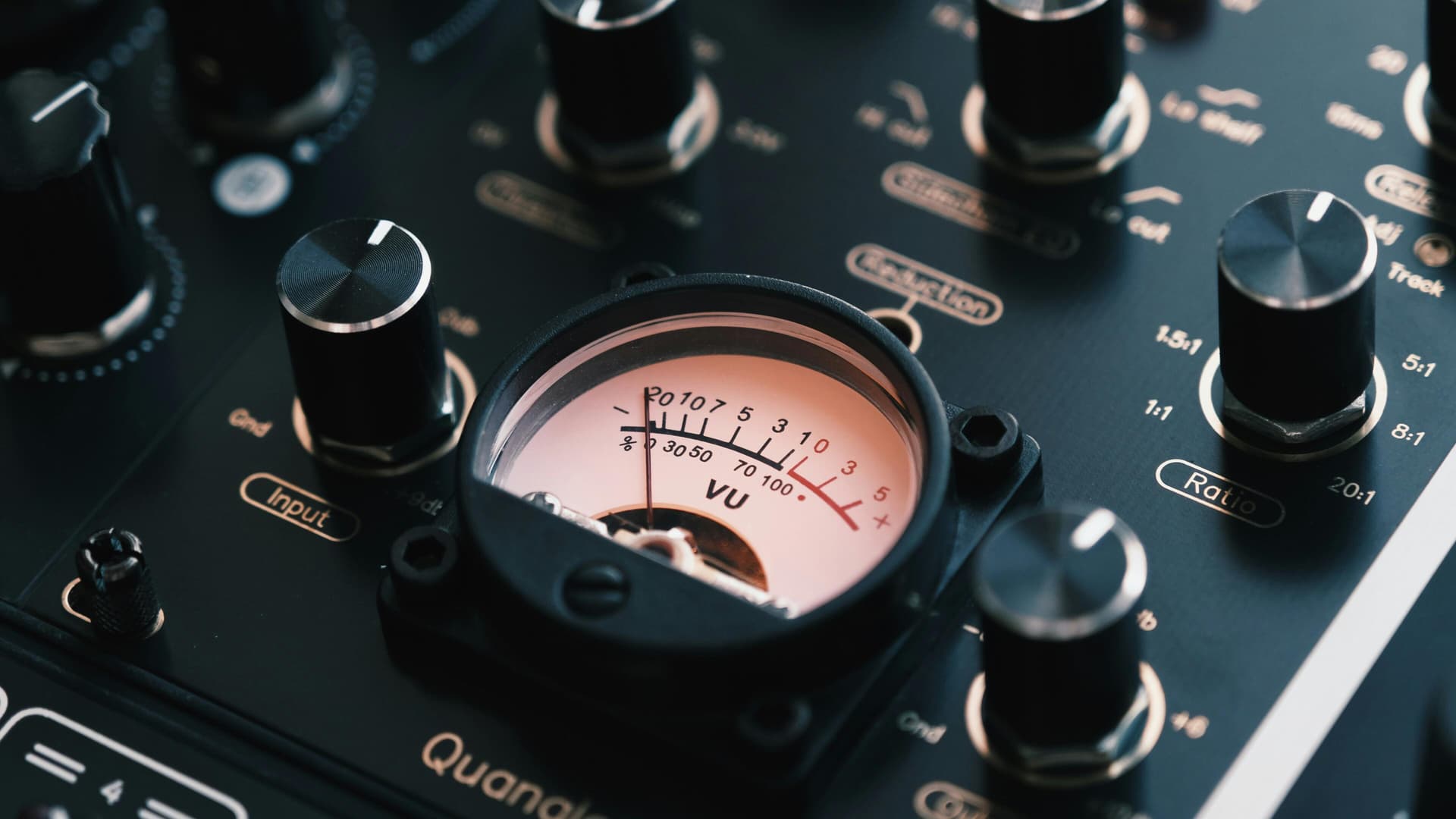
RMS Loudness
 Damian Moore, Last updated: 4 November 2026
Measures the average (RMS) level of the whole file. Audiobook platforms such as ACX ask for −23 to −18 dB.
RMS (root mean square) loudness is the average signal level across a file, measured in dB relative to full scale. It’s an older and simpler measure than LUFS: it averages the signal over time but doesn’t try to model how loud people actually hear it, so it’s heavily influenced by things like gaps of silence. An episode with long pauses will read quieter in RMS than the same speech with the pauses cut.
Why it’s still used
For podcasts, LUFS has taken over. Audiobooks are a different story. Audiobook platforms such as ACX ask for an average RMS level between -23 and -18 dB, alongside a peak ceiling and a noise floor limit. If you’re submitting audiobook-style chapters, that RMS figure is one of the numbers your files are judged on.
What our check does
The RMS loudness check measures the RMS level of the whole file, with all channels measured together, and passes if it falls inside the set range.
It’s Off in every built-in standard (Podcast, AES speech and EBU R128), because it only makes sense once you’re targeting a platform that asks for it. Turn it on in a custom standard and it starts at -23 to -18 dB, the range audiobook platforms such as ACX ask for. You can change the range and choose whether it’s Required or Informational.
Should you measure podcast loudness in RMS or LUFS?
For a podcast, use LUFS: it’s what podcast apps and platforms work to, and our loudness check is on in every built-in standard. Use RMS when you’re preparing audiobook-style submissions for a platform that specifies it. There’s no harm in having both on in the same standard.
Getting into range
Audio enhancement has an ACX audiobook loudness preset aimed at Audible/ACX submission requirements. It targets -19 LUFS with a -3 dBFS peak ceiling. It sets loudness in LUFS rather than RMS, so run a report on the enhanced file to see where its RMS level lands.
A suggested audiobook standard
- In Settings → Standards, duplicate a built-in standard.
- Turn RMS loudness on at -23 to -18 dB.
- Check the peak and noise floor limits against ACX’s current requirements and adjust them to match. The built-ins use -1 dBFS for peak and -60 dB for the noise floor, which are podcast settings.
If you narrate audiobooks, you might also like Punch Track, a browser-based recording platform built for audiobook narration.
Photos courtesy of Egor Komarov
