Punch Track Audiobook Narration Platform
 Damian Moore, Published: 17 March 2026
If you’ve ever watched an audiobook narrator work, you know the setup — a DAW on one screen, a PDF on another, a folder full of carefully named WAV files, and a thread of revision notes somewhere in their inbox. Every tool does its job, but none of them talk to each other. Punch Track is a new platform that brings recording, manuscript reading, review, and project management into a single browser-based application, purpose-built for audiobook narration.
I’m building Punch Track with Todd Kramer, a professional audiobook narrator. When Todd described his daily recording workflow — the context switching, the file juggling, the software that fought him at every step — I recognised a problem I could solve. Not with another general-purpose DAW, but with a focused tool built specifically for how audiobooks actually get made. My experience with Audio Audit, cloud infrastructure, and real-time web applications made the technical path clear. Punch Track is the product of that overlap: deep understanding of the audiobook pipeline from Todd’s side, combined with the engineering to deliver it through a single browser tab.
Why a browser-based tool?
Most narrators today record in a traditional DAW — Pro Tools, Audacity, Reaper — and that works fine for the actual recording. But the workflow around it is where things fall apart. The manuscript lives in one app, the audio in another, the review notes in an email thread, and the finished files get uploaded to yet another place. Punch Track brings all of that into one screen.
Because it runs in the browser, there’s nothing to install and no local files to manage. Your audio is encoded as FLAC and stored in the cloud as you record. You open your project, see your manuscript, and start punching in — all from the same tab.
Punch-and-roll, built in
For anyone unfamiliar, punch-and-roll is the standard recording technique for long-form narration. When you make a mistake, you roll back a few seconds, listen to your previous take, and punch in at the right moment to seamlessly continue. It’s how nearly every professional audiobook is recorded.
Most DAWs can do punch-and-roll, but it takes configuration. In Punch Track, it’s the default. Hit a key and you’re rolling back. Hit another and you’re recording again. The crossfade is handled automatically so the edit point is seamless.
Designed to get you recording quickly
Punch Track is built to reduce the time between sitting down and pressing record. Before your first take, a mic check walks you through selecting the right input, setting your level, and confirming your signal is clean. Your audio settings — sample rate, bit depth, format — are configured at the project level so you’re not second-guessing them every session. The goal is to handle the technical housekeeping so you can focus on the performance.
Collaborative review
Once a chapter is recorded, it moves into review. A producer or rights holder can listen through, flag sections that need re-recording, and leave pick-up markers with notes. The narrator sees those markers, records the fixes, and resubmits. No email threads. No spreadsheets. No downloading and re-uploading files.
This back-and-forth is one of the most time-consuming parts of audiobook production, and it’s the part that benefits the most from having a shared workspace rather than a pile of disconnected tools.
How this relates to Audio Audit
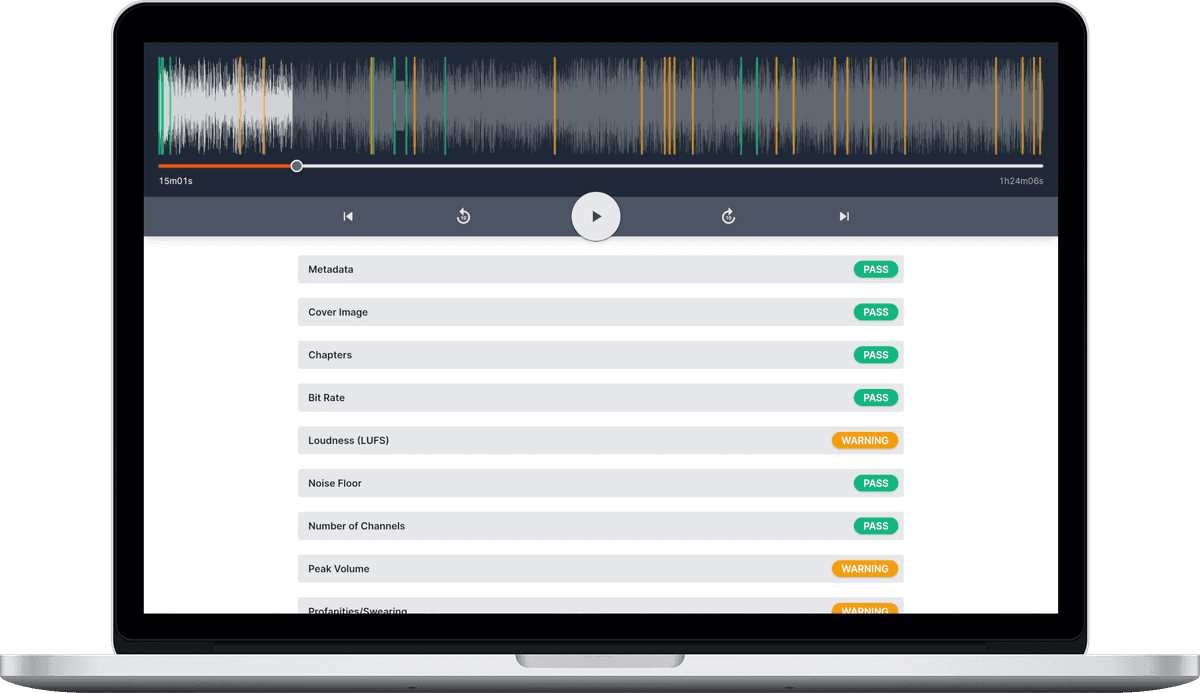
Audio Audit and Punch Track sit at different stages of the same pipeline. Audio Audit checks finished audio against technical standards — loudness, noise floor, encoding. Punch Track is where that audio gets created in the first place. They’re complementary tools, and over time we plan to connect them so that recordings can be validated against a publisher’s audio standard before they ever leave the platform.
And while Punch Track is built for audiobook narrators, the workflow applies just as well to scripted podcasts, voice-over work, or anything that involves reading from a script and recording in long takes. If you’re already using Audio Audit to check your audio, Punch Track might be a natural fit for how you record it.
Getting started
Punch Track is in free beta now at punchtrack.com. If you’re an audiobook narrator, produce scripted podcasts, or manage recording talent, we’d love for you to sign up and take it for a spin. We’re actively building based on user feedback, so anything you share with us — what works, what doesn’t, what’s missing — genuinely helps shape where the product goes next.
All the best, Damian