Bit Rate
 Damian Moore, Last updated: 15 October 2026
Bit rate largely determines how compressed your audio is and how large the file size is in megabytes. Codecs such as MP3 are known as lossy compression (rather than lossless). This means there is a trade-off between quality and file size. You can make an audio file really small by exporting it at a really low bit rate (e.g. 8kbps) but you’ll be throwing away most of the data and will be barely able to make out any speech — it will sound really muffled or like a bad radio and filled with digital glitches.
Headphones and digital audio equipment has generally improved over the past few decades and people have become accustomed to higher levels of quality even when out and about. At the same time internet speeds have increased to the point where most people can download a high bitrate podcast in a matter of seconds, though this varies across the world. The space an audio file takes up on the listener’s phone is also something to consider but the storage on recent devices has largely made this a non-issue.
We recommend a bit rate of 128 kbps to 256 kbps. 256kbps is generally considered the minimum you’d want to rip a music CD at. If your podcast is mainly speech then 128kbps is probably fine but this lower end is not so common as it was. As a side note, the main audiobook standards recommend 192kbps at a constant bit rate.
How Audio Audit checks it
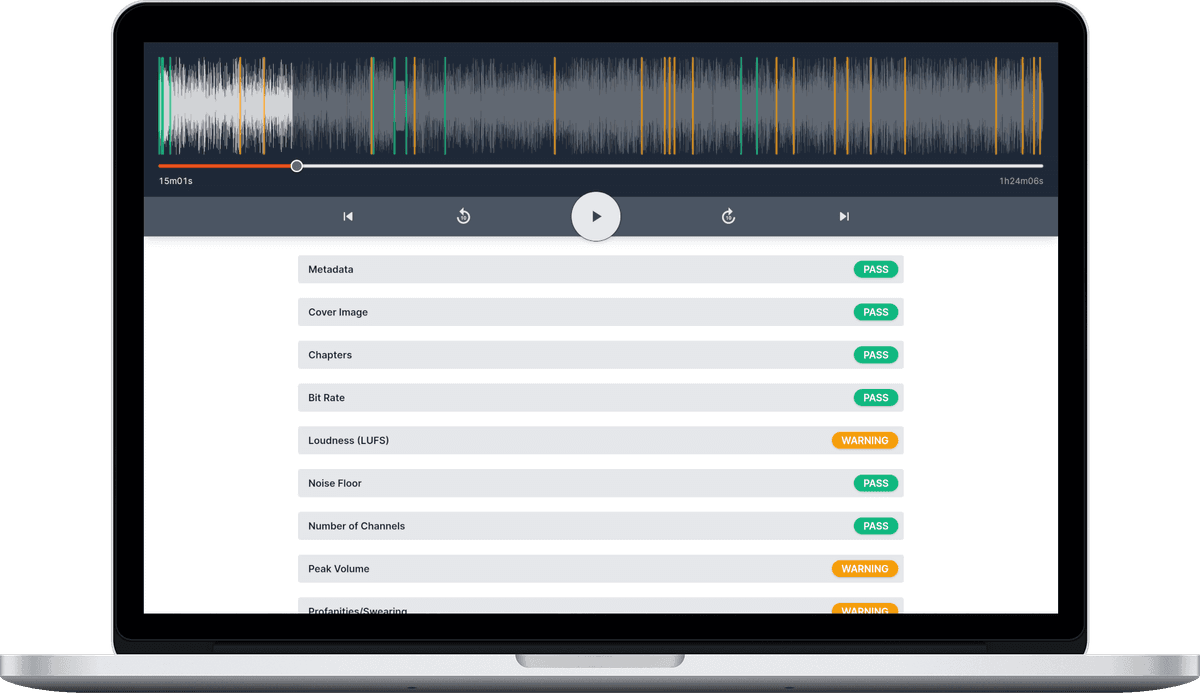
The Bit rate check is Required in the built-in standards and expects 128 to 256 kbps. If your show is published at a different bit rate on purpose, you can change the range in a custom standard — see Standards.
Bit rate sits alongside the other format checks, sample rate and number of channels, which together describe how your episode has been encoded.
Exporting at the right bit rate
When you enhance an episode, the file comes back in the same format you uploaded by default. If you’d rather get a ready-to-publish file in one step, you can choose an export format instead: MP3 at 128, 192, 256 or 320 kbps, or FLAC as a lossless master for your archive. We recommend 192 kbps MP3 as the sweet spot for spoken word. However many enhancements you choose, your audio is decoded once and encoded once, so there’s no extra quality loss between steps.